LaTeX Report Templates: Lab, Project, Technical and Business
A report in LaTeX is the report class with a title page, a summary, a table of contents and chapters, and which template to start from depends on who reads it. A lab report is four pages with a data table; a project report has a title page with a supervisor on it; a technical report carries a document number and a revision history. Below are nine report templates that open and compile as they are, a table of which suits what, and the plain report class to copy if you want no template at all.
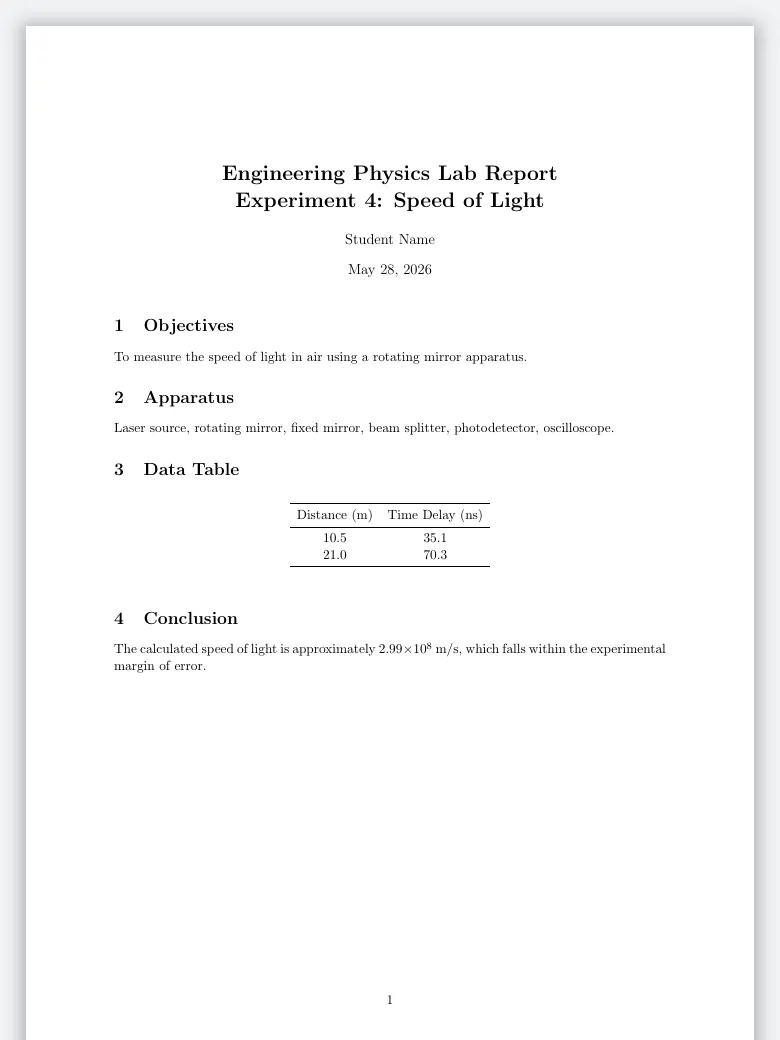
Lab Report
Short, article class
Title, then numbered sections for objectives, apparatus, a data table and a conclusion. The plainest starting point.

Final Year Project Report
Title page, chapters
A title page with the team, supervisor and course, then literature review, methodology, implementation and results.
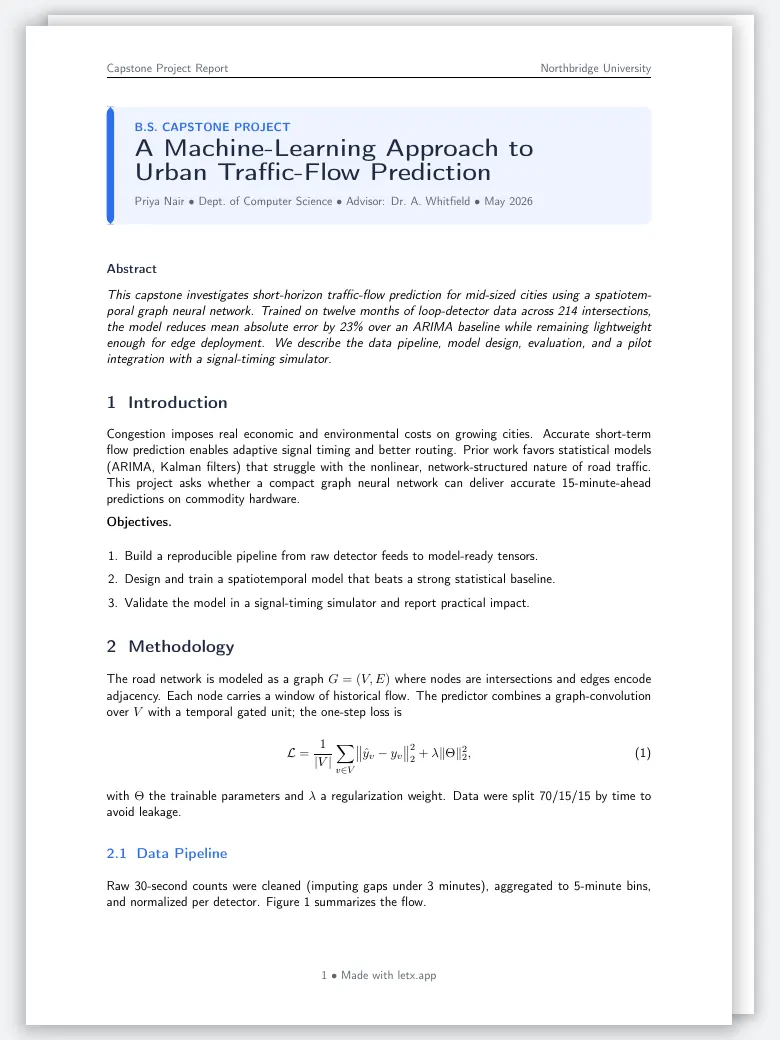
Capstone Project Report
One document, no cover
A title box and abstract on the first page, then introduction, methodology with equations, results and discussion.

Seminar Report
Cover, certificate, chapters
A cover with the institute across the top, then certificate, abstract, acknowledgement and the report itself.

Technical Report
Document number, revisions
A controlled engineering document: classification bands, document number and revision on the cover, then a revision history.
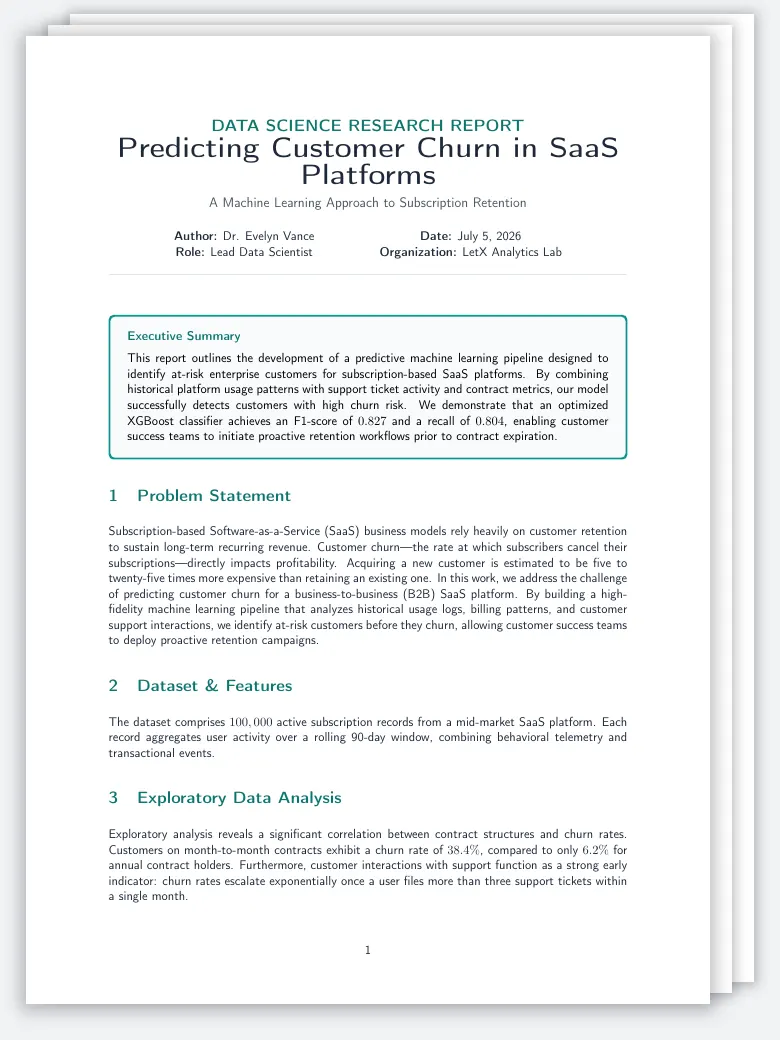
Data Science Report
Summary box first
An executive summary in a box under the title, then problem statement, data, analysis with a chart, and a model table.

Consulting Report
Branded cover
A navy cover with the client, the engagement team and a confidentiality line, then findings, analysis and recommendations.

Annual Report
Book length
A cover band with the fiscal year, then chapters with financial highlight tables. For a long report with many parts.
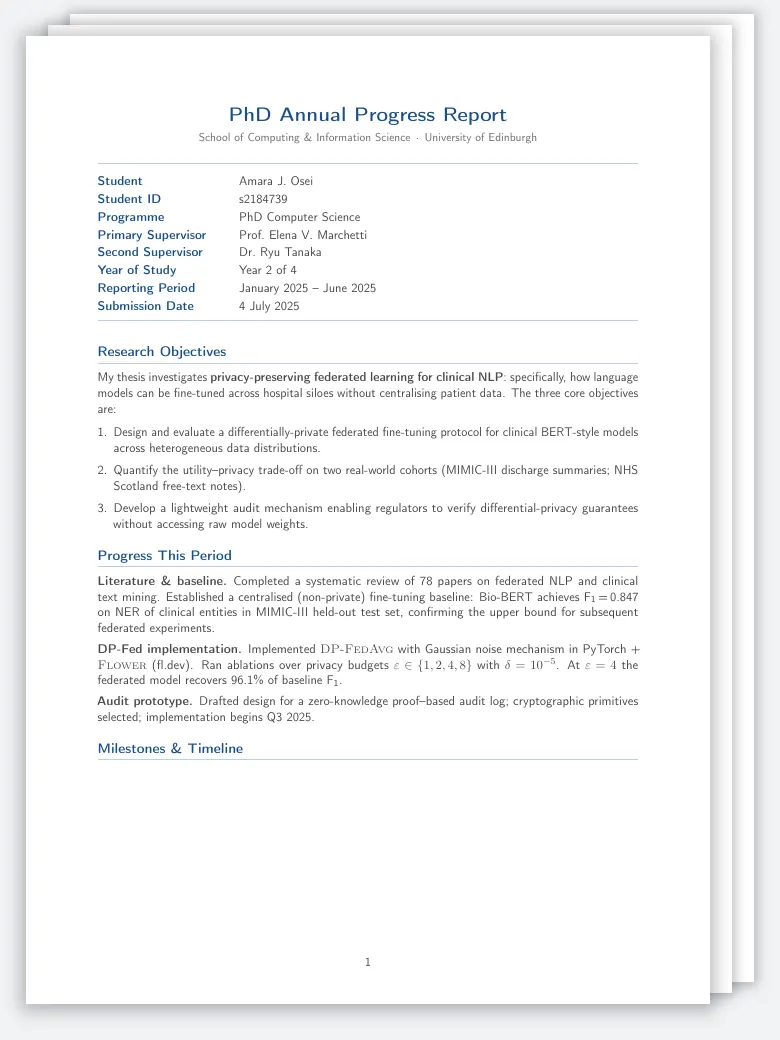
PhD Progress Report
Two or three pages
Student and supervisor details at the top, then objectives, progress this period, milestones and the plan ahead.
Which report template to start from
| The report | Start from | What it has |
|---|---|---|
| Lab report | Lab Report | A few pages, numbered sections, a data table. No title page. |
| Final-year or capstone project | Final Year Project Report | Title page with team and supervisor, chapters, references. |
| Seminar or term report | Seminar Report | Cover, certificate, abstract, chapters. |
| Technical or engineering report | Technical Report | Document number, revision history, symbols, numbered requirements. |
| Data or analysis report | Data Science Report | Summary first, then data, analysis, a chart and a results table. |
| Business or consulting report | Consulting Report | Branded cover, findings, analysis, recommendations, a roadmap. |
| Annual report | Annual Report | Book length, in parts, with financial tables. |
| Progress report | PhD Progress Report | Two or three pages: objectives, progress, milestones, plan. |
| Internship report | Summer Internship Report | The organisation, objectives, a weekly log, what was learned. |
A template is a layout, not a rule. If a course, a client or a regulator gives a format, change the template to match it.
A report in LaTeX with no template
The standard report class is already a report layout. This file compiles as it is: a title page, an abstract on a page of its own, a table of contents, four chapters, a table and an appendix.
\documentclass[11pt,a4paper]{report}
\usepackage[T1]{fontenc}
\usepackage[margin=1in]{geometry}
\usepackage{graphicx}
\usepackage{booktabs}
\usepackage[hidelinks]{hyperref}

\title{Report Title}
\author{Your Name \\ Your Organisation}
\date{\today}

\begin{document}

\maketitle

\begin{abstract}
One paragraph: what was asked, what was done, what was found.
\end{abstract}

\tableofcontents

\chapter{Introduction}
The question, and why it was worth answering.

\chapter{Method}
How the work was done, in enough detail to repeat it.

\chapter{Results}
Table~\ref{tab:results} gives the figures.

\begin{table}[htbp]
  \centering
  \caption{Results by group}
  \label{tab:results}
  \begin{tabular}{lrr}
    \toprule
    Group & Before & After \\
    \midrule
    A & 41 & 58 \\
    B & 39 & 44 \\
    \bottomrule
  \end{tabular}
\end{table}

\chapter{Conclusions and Recommendations}
What follows from the results, and what to do next.

\appendix
\chapter{Supporting Material}
Data, derivations, or anything a reader may want to check.

\end{document}
Use article instead when the report is short and needs no chapters: it has sections only and runs the title, abstract and text together. Use report once there is a title page and a table of contents to make.
The parts of a report, and the LaTeX for each
- Title page:
\maketitle, or atitlepageenvironment for a designed one. A ready report cover page goes in front of any report. - Summary: the
abstractenvironment. In a business report call it an executive summary and keep it to one page. - Contents:
\tableofcontents, with\listoffiguresand\listoftablesfor a long report. - Body:
\chapter,\section,\subsection, numbered for you. - Tables and figures: in
tableandfigureenvironments with a caption and a label, referred to with\ref. The table generator writes the table from pasted spreadsheet cells. - References: a .bib file and
\cite; see citations and bibliographies. - Appendices:
\appendix, after which chapters are lettered A, B, C.
More report templates, by field
Lab work has a page of its own: LaTeX lab report templates, for physics, chemistry and engineering labs. Engineering documents, such as test reports, inspection reports and root cause analyses, are in engineering document templates; equity research and valuation reports in finance and business templates; clinical study reports and diagnostic reports in medical and clinical templates. A thesis is a report with stricter rules: see LaTeX thesis templates. Moving a report out of Word? The Word to LaTeX converter turns a .docx into a report you can compile.
Frequently asked questions
How do I write a report in LaTeX?
Use \documentclass{report}, set \title, \author and \date, and inside the document put \maketitle, an abstract, \tableofcontents, then a \chapter for each part. Add \appendix before the supporting material. The report class gives a title page of its own and numbers chapters, sections and tables for you.
What is the difference between the report and article classes?
report is for longer documents: it has \chapter above \section, puts the title and the abstract on pages of their own, and starts each chapter on a new page. article has sections only and runs the title, abstract and text together, which suits a lab report or a short paper.
Which LaTeX template should I use for a project report?
For a final-year or capstone project, start from a template with a title page for the team, supervisor and course, and chapters for literature review, methodology, implementation and results. If your department gives a format, set the template to it: the department's rules decide, not the template.
Can I write a business report in LaTeX?
Yes. LaTeX is good at long documents with many tables, figures and cross-references, which is what a consulting or annual report is. Start from a template with a cover and a summary, keep the tables in booktabs style, and export the PDF.
How do I add a cover page to a LaTeX report?
The report class makes one from \title, \author and \date when you write \maketitle. For a designed cover, write your own inside a titlepage environment, or start from a template whose cover is already drawn.
Keep reading
Ready to try LetX?
Join researchers and students focusing on their work, not the tools.
Get Started Free
Written by Shihab Shahriar Antor , AI Engineer & Founder of Shahriar Labs. Builder of LetX (collaborative LaTeX) and offSchool (SSC science and maths, learned through simulations).